
 Русский
 Українська
 Հայերեն
 ქართული
 Қазақша
 Español
 Français
 Deutsch
 Italiano
 فارسی
فارسی
Article focus
A plugin does not own the whole payment lifecycle
WooCommerce needs a controlled link between an order, payment attempt and verified status.
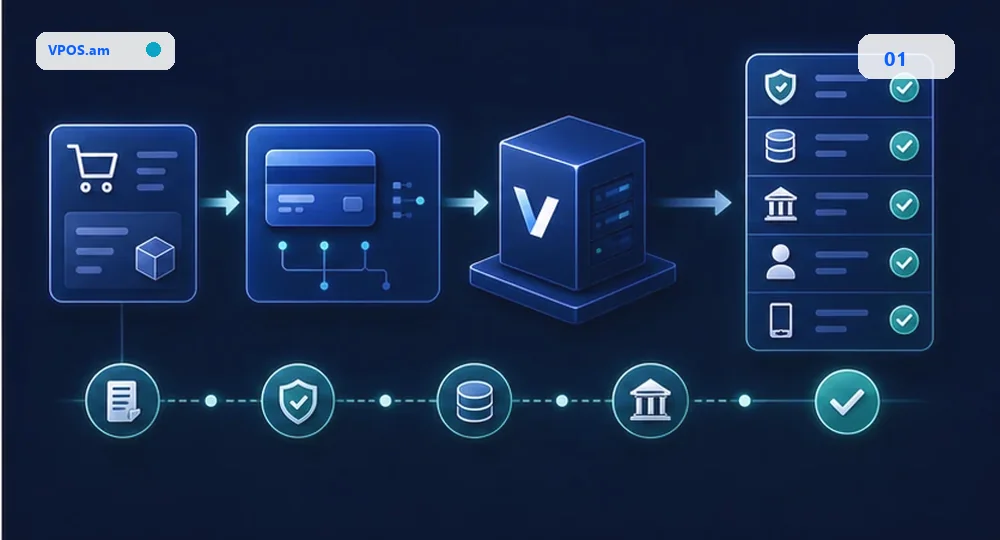
WooCommerce creates the commercial order, but a payment integration must reliably connect that order to the external payment attempt. Store the provider payment id and never mark an order paid solely because the customer returned to a success URL.
Use server-side verification or a trusted callback to update the final WooCommerce order state. This gives support a way to handle interrupted checkout sessions and late provider events.
- Store external payment identifiers.
- Map statuses explicitly.
- Keep verification outside the browser.
Meet website and checkout readiness requirements
The payment journey includes public commercial information as well as technical integration.
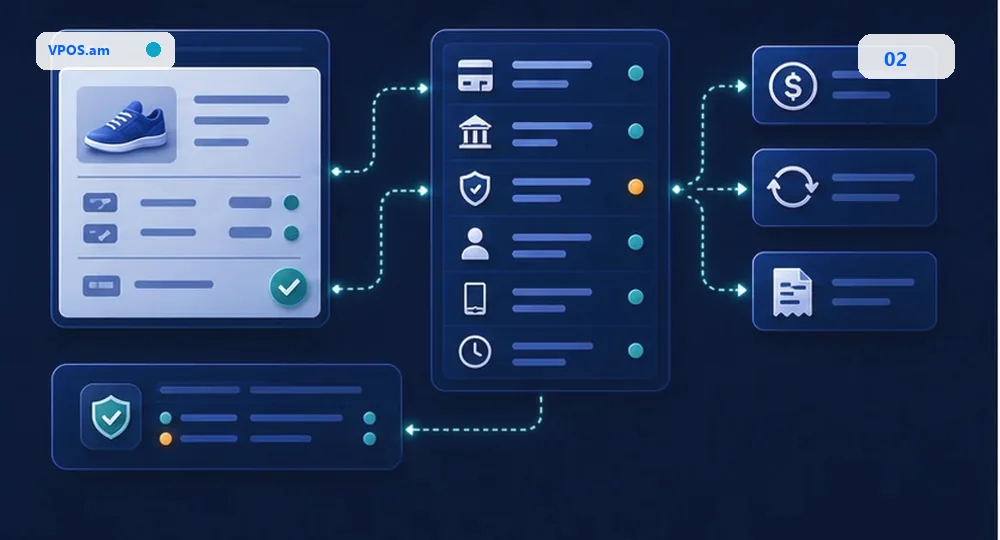
Review the public store before payment connection: product or service information, prices, contacts, terms, privacy and cancellation or refund policy should be complete and accessible. Required information must be consistent in the Armenian version and other published languages.
Technically, test the checkout with the actual theme, caching, security plugins and order-status automation. A redirect, cache rule or plugin conflict can break a payment handoff even when the gateway configuration looks correct.
- Review public policies and contacts.
- Test theme and caching interaction.
- Verify all checkout result states.
Keep the right fields on each order
Support, CRM and reconciliation need more than a generic paid flag.
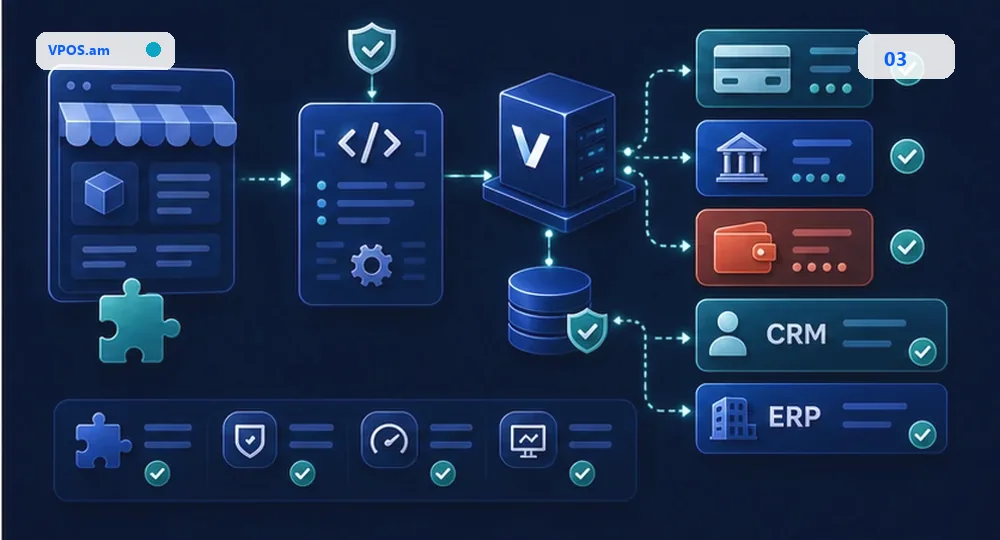
Save the WooCommerce order id, payment attempt id, provider payment id, amount, currency and normalized status together. This supports later reconciliation and makes a refund or customer query traceable.
When WooCommerce is connected to CRM or ERP, publish a verified normalized event instead of letting every plugin interpret provider callbacks independently. This limits duplicate deliveries and inconsistent order states.
- Keep a payment-attempt history.
- Use idempotency for callbacks.
- Send verified events to CRM or ERP.
FAQ
Can WooCommerce accept ArCa, Visa and Mastercard?
Availability depends on the selected acquiring provider and merchant agreement; the integration should map the supported methods into one verified order flow.
Is installing a WordPress plugin enough?
No. Status verification, callbacks, order state rules, refunds and support workflows still need to be tested.
Where should a payment id be stored?
Store the external provider reference with the WooCommerce order and payment-attempt record.
Sources and documentation
- VPOS.am API docsAPI and payment lifecycle contract
- Webhooks technical contractDelivery, signature and idempotency boundaries
- VPOS.am securityPublic security and access principles